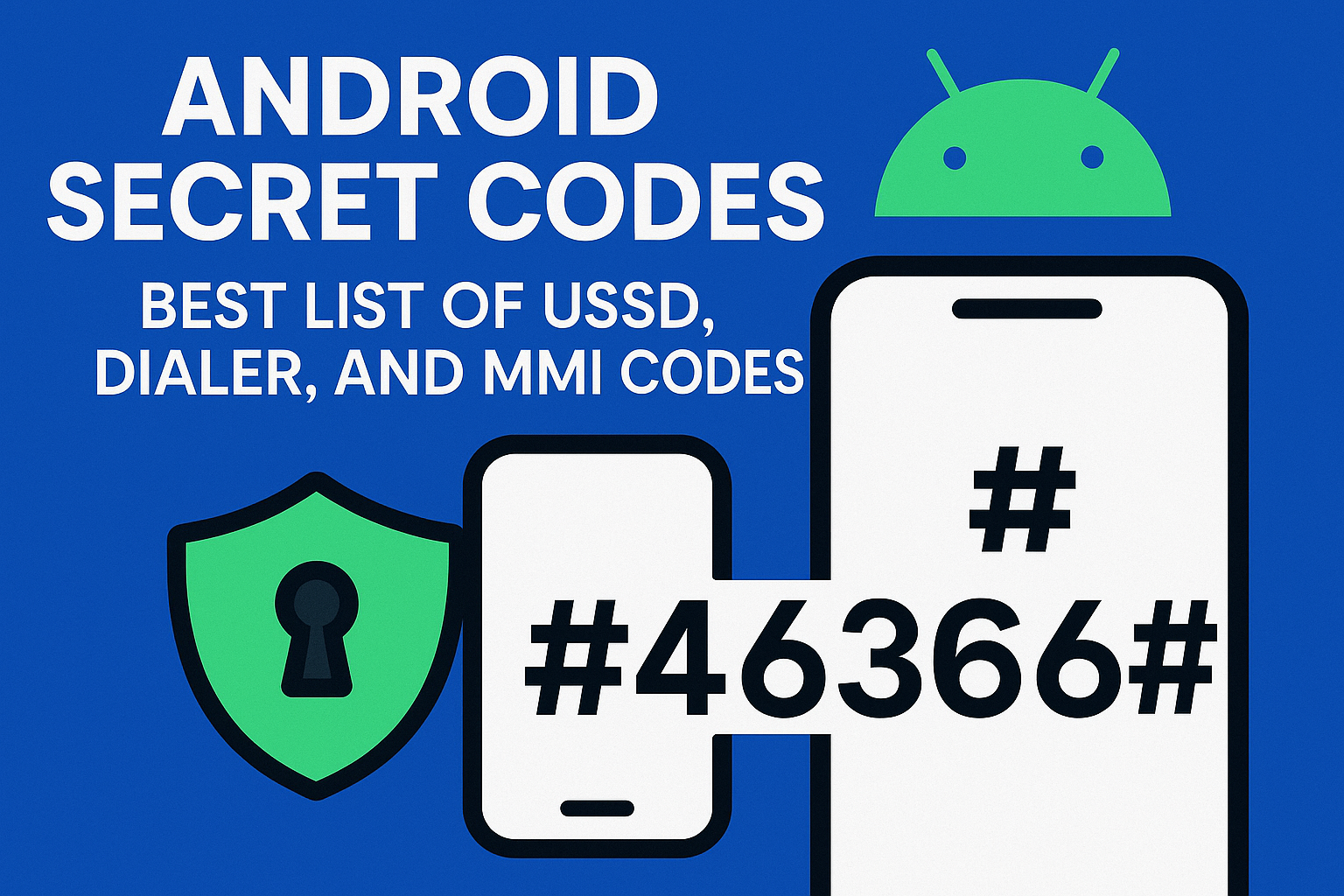
In this guide, we’ll walk you through the best MMI and USSD codes for Android, what they do, and how to use them safely.
What Are MMI and USSD Codes?
Let’s learn from basics about this codes.
MMI Codes (Man-Machine Interface)
MMI codes are special codes that you can dial using your phone’s dialer app to communicate with your device’s operating system or service provider. Majorly Begins with * or # and end with a #. Typically used for device testing, configuration, and troubleshooting.
Examples:
- *#06# — Show IMEI number
- *#0*# — Access the hardware test menu (on some devices)
Unstructured Supplementary Service Data
USSD codes are more common in telecom services. These are used to check your balance, activate or deactivate services, or access mobile banking.
Examples:
- *123# — Check balance on many networks
- *135# — Recharge or transfer credit (varies by carrier)
Why Use Android Secret Codes?
Android cheat codes are like secret codes for your smartphone. Here’s what you can do with them:
- Diagnose hardware (screen, vibration, camera, sensors)
- Access SIM, battery, and usage information
- Check call forwarding, SMS status, and network configuration
- Manage service-related features from your carrier
However, not all codes work on all devices. It depends on your phone’s brand, model, and your network provider. Some codes may also be blocked for security reasons.
Top MMI Codes for Android
Here’s a curated MMI code list that reveals valuable device info and utilities:
| MMI Code | Function |
|---|---|
| *#06# | Show IMEI (International Mobile Equipment Identity) number |
| *#0*# | General test mode (Samsung phones) |
| *#*#4636#*#* | Phone usage info, battery stats, Wi-Fi info |
| *#*#2664#*#* | Touchscreen test |
| *#*#0289#*#* | Audio test |
| *#*#232331#*#* | Bluetooth test |
| *#*#1472365#*#* | GPS test |
| *#*#0842#*#* | Vibration and backlight test |
| *#*#7780#*#* | Factory reset (without deleting media) |
| *2767*3855# | Full factory reset (WARNING: Deletes everything!) |
Note: Use caution with factory reset codes. Always backup important data first.
Common USSD Codes List (Carrier-Based)
These USSD codes for Android work with many mobile carriers around the world, but they’re especially useful for prepaid or postpaid service management.
| USSD Code | Purpose |
|---|---|
| *123# | Check main balance (popular in India and Asia) |
| *135*<number># | Transfer balance or talktime |
| *#100# | Show your phone number |
| *#21# | Check call forwarding status |
| *#62# | Check for unanswered call redirection |
| *#67# | Check call forwarding when busy |
| *#31# | Hide or show your number on outgoing calls |
| *141# | Recharge menu (varies by region) |
Pro Tip: These codes depend on your network provider. Some may not work with Wi-Fi calling or on VoIP lines.
Best Dialer Codes for Testing & Troubleshooting
Certain Big Brands manufacturers like Samsung, Xiaomi, Huawei, and OnePlus support extra diagnostic codes. These help you check if your device’s hardware components are working as expected.
Samsung Codes:
- *#0*# – Opens the complete hardware test menu
- *#0228# – Battery status and health
- *#0011# – Service mode for network details
Xiaomi Codes:
- *#*#6484#*#* – Opens CIT (Control and Identification Tool) menu
- *#*#4636#*#* – Same Android testing menu
Huawei Codes:
- *#*#2846579#*#* – ProjectMenu for detailed device information
- *#*#225#*#* – View calendar info
Are These Codes Safe to Use?
Generally, yes. Reading codes like those for IMEI, testing, or viewing information are completely safe.
However, reset codes or service-related codes can lead to data loss or changes in settings. Always:
- Avoid unknown codes from unreliable sources
- Don’t use reset codes unless absolutely necessary
- Take a backup before running diagnostic or reset commands
How to Use MMI/USSD Codes
Using these codes is simple:
- Open your phone’s dialer app
- Type in the code (e.g., *#06#)
- The action or menu will open automatically
No need to press the call button for most codes — your phone will respond immediately.
Final Thoughts
The Android ecosystem keeps hidden incredibly useful tools behind these secret dialer codes. Whether you’re a developer, tech enthusiast or just someone who wants to understand their phone better, these MMI and USSD codes for Android can be incredibly handy.
Just be cautious while using the more advanced ones, especially those that reset data or change system settings.
Looking for even more Android tricks? Keep exploring — your smartphone can do a lot more than you think!

Pooja Thakkar is a passionate content writer at DengoWeb, where she crafts engaging and SEO-friendly content tailored to the digital world. With a keen eye for detail and a love for storytelling, she specializes in creating blogs, web copy, and marketing content that drives traffic and builds brand authority. When she’s not writing, Pooja loves exploring the latest trends in tech and digital marketing to bring fresh ideas to every piece she creates.