But is this advancement genuinely transformative, or just a flashy upgrade? This article breaks down everything Performance Max has to offer how it functions, what sets it apart, expert tips for optimisation, and how enlisting a PPC advertising company can give you a competitive edge.
So, what exactly is a Performance Max campaign?
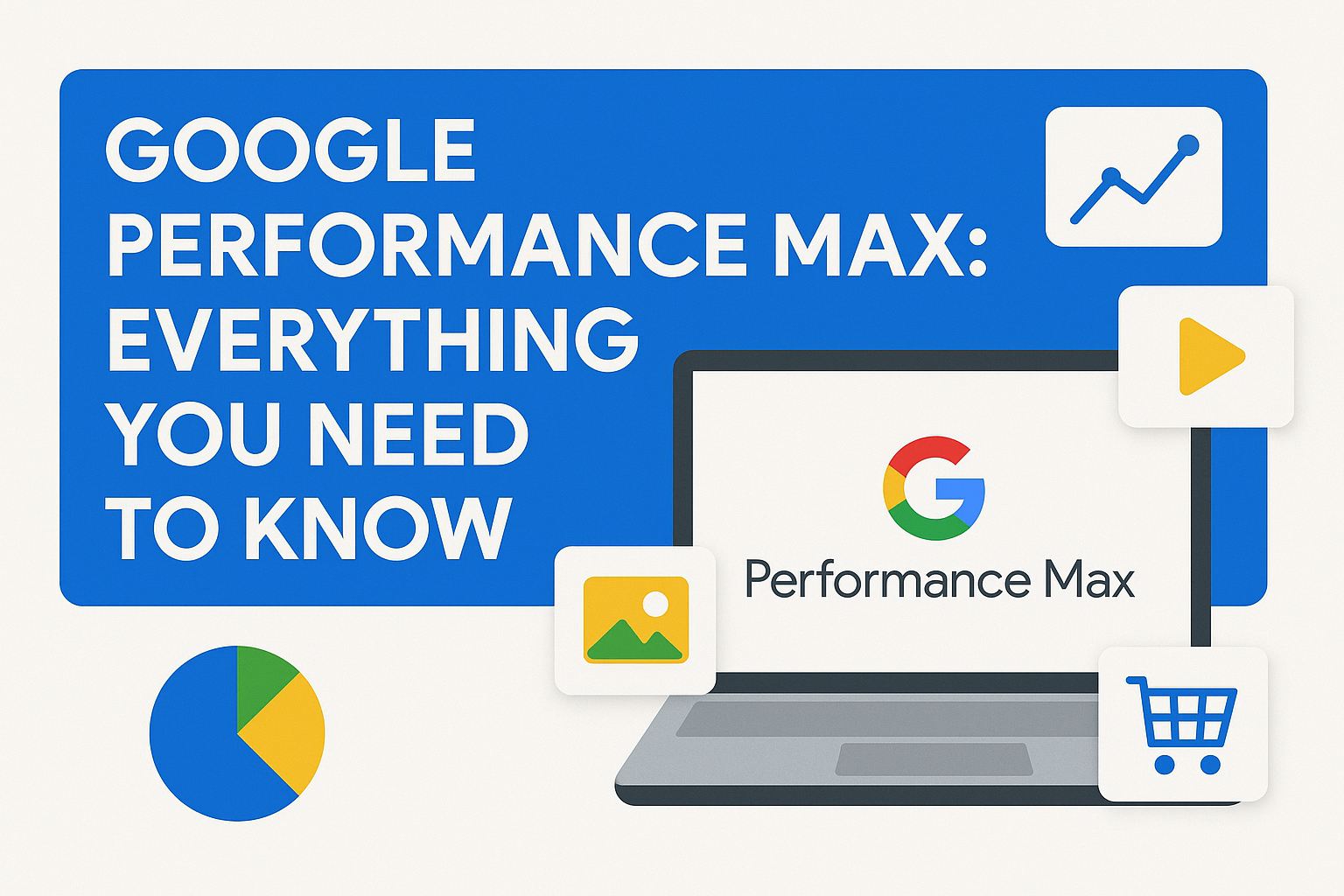
PMax is a smart campaign format built around your marketing goals. Using automation and real-time data, it serves your ads across all Google channels by determining the right audience, at the right time, in the most effective way possible. Rather than juggling separate campaigns for different channels, Performance Max streamlines the process by dynamically optimizing your ad targeting, creative assets, and placements—all in real time. It taps into live data signals to ensure your message reaches the ideal audience, through the most effective channel, format, and timing.
Unlike traditional campaign types that focus on a specific channel, PMax uses real-time data signals to deliver the right message to the right user, in the right format, at the right time.
Key Features:
- Cross-channel reach (Search, Display, Shopping, YouTube, etc.)
- Automated targeting and bidding
- Machine learning-driven creatives
- Goal-based campaign structure (e.g., sales, leads, local store visits)
What’s New in Google Performance Max Campaign Updates 2025?
New Campaign Controls in Performance Max (2025)
Historically, one of the biggest criticisms of Performance Max campaigns was the lack of advertiser control. With 2025’s updates, Google has addressed many of those concerns by offering powerful new targeting and exclusion options.
-
Negative Keywords
Finally! Advertisers can now add negative keywords directly in their PMax campaigns. This highly anticipated feature prevents irrelevant search queries from triggering your ads, ensuring higher-quality traffic and better ROI.
With this control, brands can maintain brand integrity and eliminate wasted ad spend—something every PPC advertising company has been requesting for years.
Use Case: An electronics retailer can now exclude generic or competitor-branded keywords that were previously unavoidable.
-
New Customer Acquisition Goal
For growth-focused advertisers, bringing in fresh audiences is essential. The New Customer Acquisition goal empowers marketers to prioritize spend on individuals who are entirely new to their brand ecosystem—maximising reach and expanding market presence.
Using Google’s AI and first-party data, this goal helps you grow your customer base instead of spending on repeat buyers. It’s especially useful for subscription services and eCommerce businesses seeking new market segments.
Pro Tip: Combine this with remarketing campaigns to create a full-funnel acquisition strategy.
-
Brand Exclusions
The addition of brand exclusions enables advertisers to prevent ads from appearing on brand-related search terms. This is a massive win for advertisers aiming to preserve budget for prospecting rather than defending branded traffic.
It also helps brands avoid cannibalising their own organic performance and ensures PMax campaign efforts are aligned with broader marketing goals.
Example: A skincare brand can exclude its own name from triggers, preserving organic and direct channel performance.
-
“URL Contains” Rules
Now you can set rules using the “URL Contains” condition, offering more flexibility for asset group targeting. This feature allows you to serve ads for specific sections of your website based on URL parameters.
Whether you want to run separate campaigns for product categories or promotional pages, this control boosts precision targeting.
Best Practice: Use this to drive traffic to seasonal landing pages or high-converting category pages during promotions.
-
Demographic Exclusions (Beta)
Currently in beta, demographic exclusions let you prevent your ads from showing to certain age groups, gender categories, or household income brackets. This enhances campaign efficiency by cutting out segments unlikely to convert.
While still in testing, this feature could dramatically reduce cost-per-acquisition for businesses with a well-defined customer persona.
Strategy Tip: Ideal for niche brands whose products or services appeal to specific demographics only.
-
Device Targeting (Beta)
Another long-awaited feature now in beta—device targeting—lets you tailor ad delivery based on the user’s device (mobile, desktop, or tablet). For industries where performance varies widely by device (like B2B or mobile gaming), this is a major win.
It enables a more refined approach, letting advertisers customize bids and creative assets for better relevance and performance.
Scenario: A SaaS company can focus spend on desktop users where conversion rates are typically higher.
Deeper Search Reporting: Understand Intent Like Never Before
While PMax campaigns are known for their “black box” automation, 2025 brings more transparency with advanced search reporting.
-
Search Themes Usefulness Indicator
The new Search Themes Usefulness Indicator gives marketers insight into which search themes are driving meaningful results. This tool allows advertisers to assess whether Google’s understanding of their audience aligns with campaign goals.
You’ll now see feedback on how well these search themes support performance, enabling smarter optimization decisions.
Insight: Quickly remove low-performing themes or double down on high-value search intent clusters.
Improved Asset Group Reporting: Clarity in Performance
Google has taken asset group visibility up a notch in 2025, giving marketers the performance granularity they’ve been craving.
-
Segmented Asset Group Performance
Advertisers can now access segmented reporting for each asset group, allowing them to analyze how individual creatives and audience signals perform. This feature helps with better content optimisation, budget allocation, and audience strategy.
Previously, campaign-level results made it difficult to attribute performance. Now, with segmented asset data, you can clearly understand which visuals, headlines, or audience signals are making an impact.
Optimisation Tip: A/B test multiple asset variations within the same group and refine based on top-performing segments.
What These Updates Mean for PPC Advertisers
For every PPC advertising company or in-house team, the 2025 Performance Max updates provide unprecedented control, visibility, and strategic flexibility. Here’s how to make the most of these features:
- Leverage negative keywords and brand exclusions to cut waste and increase campaign efficiency.
- Use URL rules and demographic targeting to fine-tune your audience strategy.
- Adopt new acquisition goals to align with top-funnel objectives.
- Rely on deeper and more segmented reporting to guide smarter decisions and creative testing.
By adding layers of customisation and insight, these upgrades make Performance Max campaigns far more manageable, resolving key frustrations around transparency and targeting
Why Google Introduced Performance Max
With increasing data fragmentation and privacy regulations (like the death of third-party cookies), Google sought to create a smarter, data-powered way for advertisers to manage campaigns. Performance Max is Google’s answer to the complexity of running multi-channel campaigns efficiently.
It was also a natural evolution from Smart Shopping and Local Campaigns, consolidating these under a more intelligent, centralised system. The aim? More conversions, less micromanagement. As the advertising landscape grows more competitive and data-driven, Google’s move toward automation is strategic and forward-looking.
How Performance Max Works
Performance Max uses Google’s AI to automate bidding, budget allocation, audiences, creatives, and attribution. You provide:
- Your goals (e.g., conversions)
- Creative assets (headlines, images, videos)
- Audience signals (who you’re trying to reach)
- Budget and bidding strategy
Google then uses its machine learning algorithms to test combinations of assets and The system continuously learns which assets and targeting combinations perform the most effective mix to achieve your goals.
Data Signals Used
Google leverages audience intent signals, including:
- Users’ past search behavior
- Website engagement data
- Shopping behavior and purchase history
- Contextual signals like location, device, time of day
- Historical campaign performance data
These signals help fine-tune delivery in real-time to maximize campaign outcomes.
Campaign Setup: What You Need to Launch a PMax Campaign
Setting up a Performance Max campaign is relatively simple compared to more manual campaign types. Here’s a step-by-step overview:
- Define Campaign Objective: Choose your conversion goal, Mostly eCommerce industry focus on sales, IT industry works on leads, Local business works on store visits, etc.
- Select Budget and Bidding Strategy: Google supports “Maximize Conversions” or “Maximize Conversion Value,” with optional target CPA or ROAS.
- Add Asset Group(s): Upload images, logos, videos, headlines, descriptions, callouts.
- Enter Final URL: This is the landing page users will be directed to.
- Create Audience Signals: Add custom segments, customer lists, or interests to guide automation.
- Add Product Feed (If Applicable): For eCommerce, your Merchant Center feed is essential.
- Set Up Conversion Tracking: Ensure conversions are being tracked accurately.
- Launch and Monitor: Let the algorithm start learning and optimising.
Pros of Performance Max Campaigns
- Unmatched Reach
With access to Google’s entire inventory, your ads show up in more places than ever before, helping you reach users at every stage of the funnel.
- Simplified Management
Instead of managing multiple campaigns across various platforms, one PMax campaign covers it all. This frees up time and reduces complexity.
- AI Optimisation
Machine learning adjusts bids, creatives, and placements based on real-time data. It dynamically optimizes toward your specific goals.
- Increased Conversion Potential
Google claims that advertisers see +13% more conversions on average at the same CPA when using PMax.
- More Data for Small Advertisers
Even businesses with limited resources benefit from Google’s vast datasets and automated learning.
- Real-Time Adjustments
The AI continuously learns and adapts to changing market conditions and consumer behavior, keeping your campaign relevant.
- Integrated Campaign Type
By combining Shopping, Search, and Display into a single campaign, advertisers enjoy a more holistic approach to online advertising.
Cons of Performance Max Campaigns
- Lack of Transparency
One of the biggest criticisms from the PPC advertising community is that advertisers have limited insights into where and how ads are shown. There’s no breakdown by network or placement.
- Limited Control
You can’t exclude specific placements or search terms, which is a red flag for experienced advertisers.
- Black Box Reporting
PMax relies heavily on machine learning, which means you’re trusting the algorithm more than ever.
- Learning Curve
Not all PPC advertising companies are equipped to make the most of PMax due to its unique nature.
- Potential for Cannibalisation
PMax campaigns can overlap with existing Search or Shopping campaigns, leading to inefficiencies and misattribution.
- Budget Allocation Uncertainty
Google’s algorithm controls where budget is spent, making it hard for advertisers to prioritize certain networks or placements.
When to Use Performance Max
- E-commerce brands using Shopping Ads
- Lead generation campaigns looking for volume
- Local businesses aiming for store visits or calls
- Advertisers already using Smart Shopping or Local campaigns (PMax replaced both)
- Brands with a solid conversion history in Google Ads
- Companies looking to test creative and audience combinations at scale.
When to Avoid Performance Max
- When granular control is essential (e.g., brand protection, high-stakes keywords)
- When testing new, unproven markets
- When data is insufficient for meaningful machine learning
- If you need channel-specific performance metrics (like YouTube vs. Search)
- During limited-time promotions where control is paramount
- When brand visibility and placement context are critical to brand safety
Performance Max vs. Standard Campaigns
| Feature | Performance Max | Standard Campaigns |
|---|---|---|
| Channels | All (Search, Display, YouTube, etc.) | One per campaign |
| Control | Limited | High |
| Setup Time | Low | Moderate to High |
| Optimization | Automated (AI-based) | Manual or Rule-based |
| Reporting | High-level | Granular |
| Creative Testing | Dynamic combinations | Manual A/B testing |
| Audience Targeting | Signals + automation | Manual |
| Attribution Model | Data-driven | Customisable |
| Placement Control | Low | High |
Best Practices for PMax Campaigns
- Feed Optimization (for eCommerce)
Ensure your product feed has optimised titles, images, descriptions, GTINs, and proper categorization. Use custom labels for segmentation.
- Use Audience Signals Wisely
Even though targeting is automated, inputting audience signals (custom segments, customer lists) helps guide the algorithm.
- Diversify Your Creative Assets
Provide Google with a wide variety of high-quality headlines, descriptions, images, and videos for better combinations.
- Set Clear Conversion Goals
Align your account-level goals (e.g., lead forms, purchases) for smarter bidding optimization.
- Leverage Exclusions Where Possible
Although options are limited, you can use account-level brand exclusions to avoid certain placements.
- Monitor Asset Performance Ratings
Google provides performance feedback on your creative assets. Swap out “Low” rated assets regularly.
- Avoid Overlapping Campaigns
Structure your campaigns to minimize cannibalisation. Use campaign-level brand exclusions to protect existing branded campaigns.
- Use Geo-Targeting Smartly
Customize location targeting to ensure efficiency, especially for service-based or local businesses.
- Evaluate Incremental Value
Use experiments and holdout groups to determine whether PMax is adding unique value or duplicating existing efforts.
- Refresh Creative Regularly
Keep your creative assets updated to maintain freshness and relevance across all platforms.
Expert Tips from Top PPC Advertising Companies
- Start with a hybrid approach: Run Performance Max alongside your Search campaigns and compare results.
- Use Performance Max for branded and remarketing efforts to maintain cost-efficiency.
- Regularly review asset performance: While data is limited, you can still see which creatives are rated “Best,” “Good,” or “Low.”
- Segment using separate asset groups based on product categories or services to improve relevance.
- Don’t neglect video: Video assets perform exceptionally well across YouTube and Discover placements.
- Test different bidding strategies: Compare maximize conversion vs. maximize value strategies based on your KPIs.
- Leverage seasonality adjustments: Inform Google of expected performance fluctuations during sales or holidays.
Case Study: eCommerce Brand Boosts Sales by 30%
An e-commerce brand specialising in home decor shifted from Smart Shopping to Performance Max. By optimizing their product feed and introducing new creatives, they achieved:
- 30% increase in conversions
- 20% lower CPA
- Broader reach through YouTube and Discover placements
Their success stemmed from continuous asset optimization, audience signal refinement, and active monitoring of campaign reports.
Pro tip: Partnering with a specialised PPC advertising company helped them unlock the full potential of Performance Max.
The Controversy: Why the PPC Community is Divided
Despite its potential, Performance Max has drawn criticism:
- Lack of data visibility: Many advertisers feel like they’re flying blind.
- Over-reliance on AI: Some fear Google’s automation may cannibalize branded traffic or serve low-quality placements.
- Mixed results: While some see huge gains, others find Performance Max underwhelming compared to manual strategies.
- Limited brand safety: Inability to exclude poor-quality placements can harm perception.
- Automation fear: Some advertisers feel replaced rather than empowered by the algorithm.
Still, as AI continues to improve, many believe Performance Max will become an essential part of any advertiser’s toolkit.
Future Outlook: What Lies Ahead for Performance Max?
As Google continues to push toward an AI-first ad ecosystem, Performance Max is only expected to evolve further. Future updates may include:
- Improved reporting tools for better transparency
- More control levers for advertisers to refine campaign logic
- AI-driven creative suggestions based on industry benchmarks
- Tighter integrations with GA4 for unified reporting
- Deeper audience insights powered by first-party data
- Flexible budget distribution tools
- Advanced segmentation options
Advertisers who stay ahead of the curve and master PMax early will likely have a competitive edge.
Final Thoughts: Is Performance Max Worth It?
Performance Max is a powerful but complex tool. PMax is great at doing the heavy lifting—automating and scaling your ads across multiple platforms with minimal manual input. That’s a big win when time or manpower is in short supply.
But don’t mistake it for a magic button—it still requires strategic oversight to truly perform. Success with PMax requires strategy, testing, and, ideally, expert guidance from a PPC advertising company.
If you’re looking to stay ahead in the evolving world of PPC advertising, Performance Max deserves a place in your playbook—but with your eyes wide open.
Over To You
Feeling stuck or unsure how to get traction with PMax? it’s time to consult the pros. A Google Ads-certified PPC agency can unlock your campaign’s full potential—turning lackluster results into measurable growth and giving you a competitive edge in your industry.

Pooja Thakkar is a passionate content writer at DengoWeb, where she crafts engaging and SEO-friendly content tailored to the digital world. With a keen eye for detail and a love for storytelling, she specializes in creating blogs, web copy, and marketing content that drives traffic and builds brand authority. When she’s not writing, Pooja loves exploring the latest trends in tech and digital marketing to bring fresh ideas to every piece she creates.